
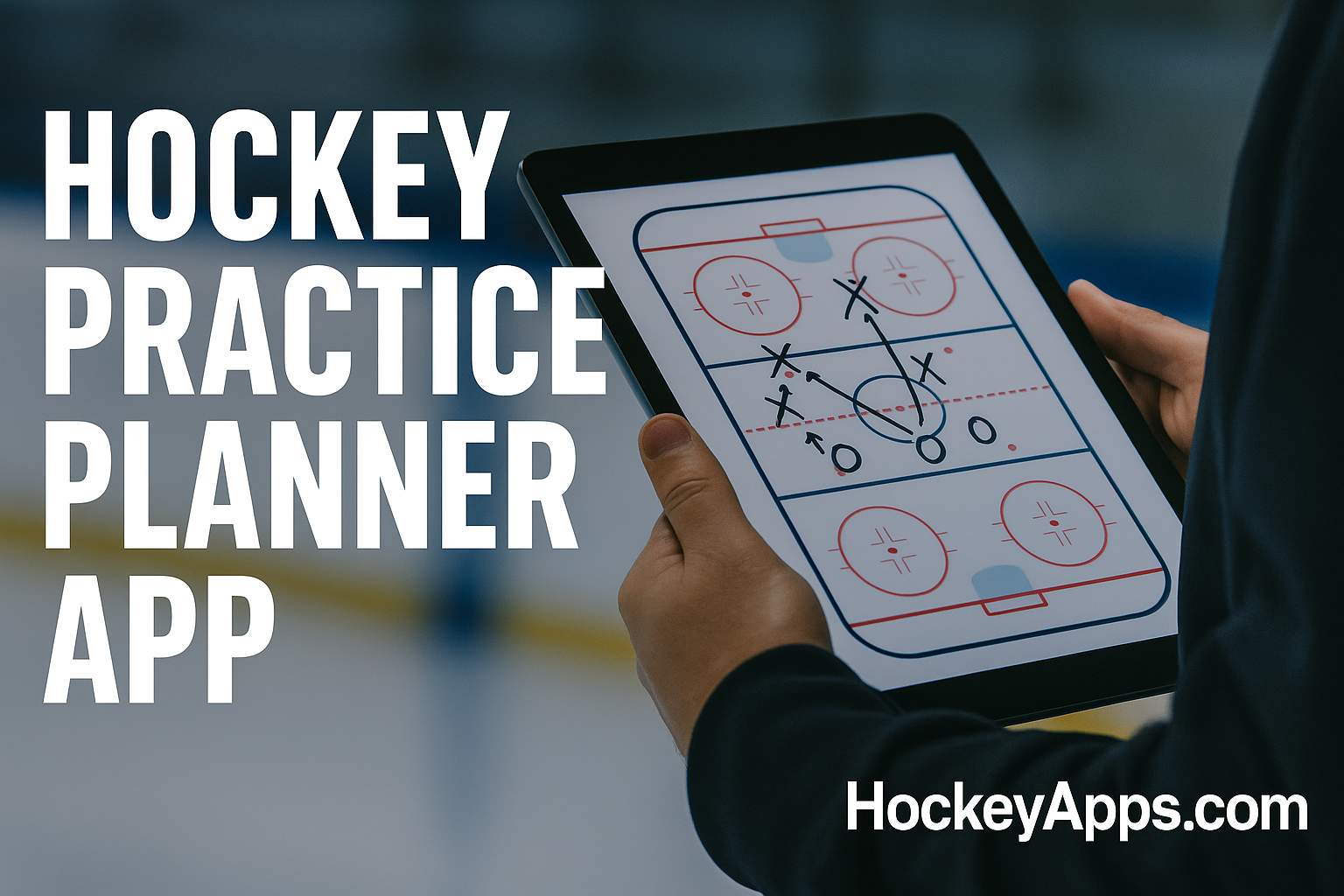
Plan smarter practices in minutes.
Create time-boxed practice plans, reorder segments with drag-and-drop, add notes, and export to PDF. Works on any device. 100% free.
[Launch the Free Practice Planner →]
Why Use This Practice Planner
Practice Planner Templates
Use these starter layouts and tweak the segments/times to fit your team:
All templates are available in the planner: load, edit, save, export to PDF.
Comparison: Free vs. Paid Planners
| Capability | HockeyApps Practice Planner | Typical Paid Planners |
|---|---|---|
| Free to use | ✅ Yes | ❌ No (subscriptions) |
| Login required | ❌ No | ✅ Yes |
| Drag-and-drop plan builder | ✅ Yes | ✅ Yes |
| Time/duration totals | ✅ Yes | ✅ Yes |
| Segment notes (coaching points/equipment) | ✅ Yes | ✅ Yes |
| PDF export (printer-friendly) | ✅ Yes | ✅ Yes |
| Mobile PWA + offline use | ✅ Yes | ❌ Often limited |
| Save unlimited plans | ✅ Yes | ❌ Often restricted |
Do I need to create an account?
No. The Practice Planner is free and works without any login.
Can I use it on my phone or iPad?
Yes. It’s a responsive PWA—install it to your home screen and use it offline.
Can I save multiple practice plans?
Yes. Save and reload unlimited plans on your device.
Does it include drills?
No. This page is only for the Practice Planner. You can add your own segment notes and links, then export to PDF.
Can I print or share my plan?
Absolutely—export to a clean PDF in one click.
Is it really free?
Yes. No subscriptions, no hidden fees.
Spend less time formatting documents and more time coaching. Start your next practice plan now.
[Launch the Free Practice Planner →]