Capture the work. Deliver a clear record.
Use equipment-specific forms to document startup and commissioning work on your iPhone or iPad. Keep readings, photos, notes, and signatures with the report they belong to.
Equipment-specific forms
Select the equipment type and use the applicable startup sections. Create reusable templates for your workflow.
Field documentation
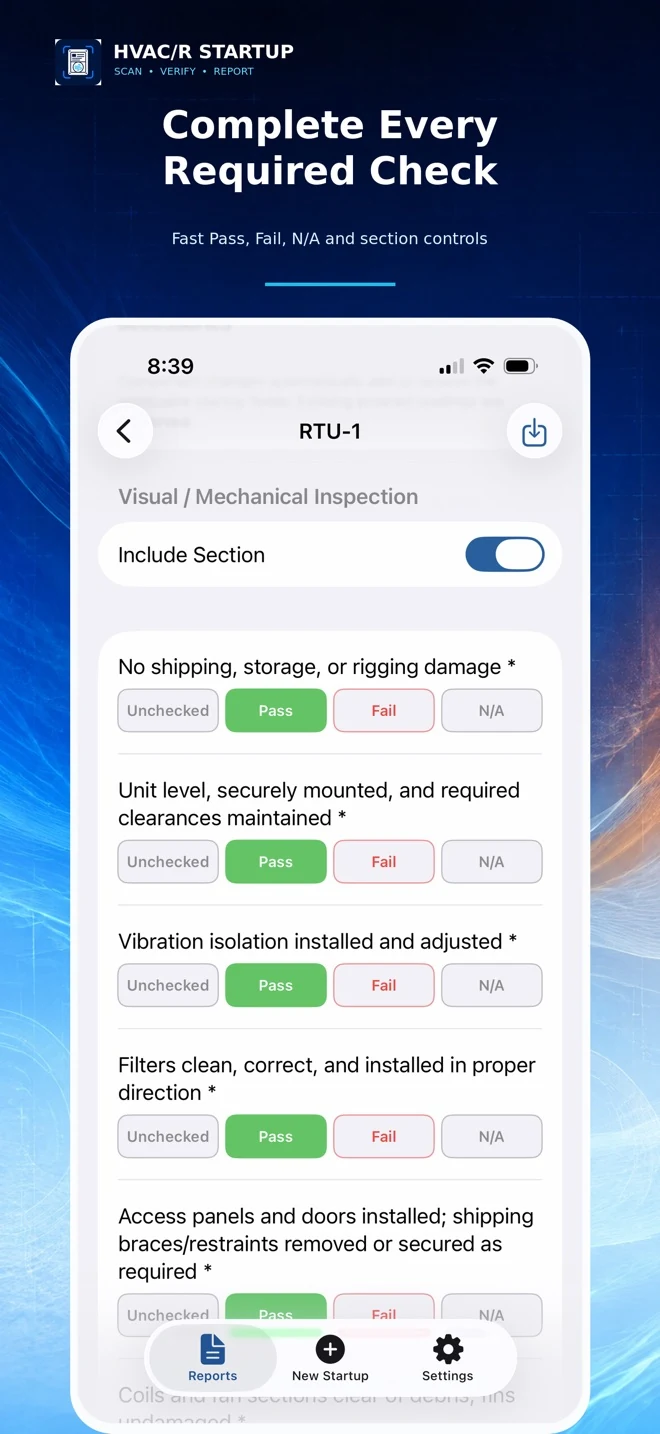
Record equipment details, readings, photos, deficiencies, and technician or customer signatures.
Professional reports
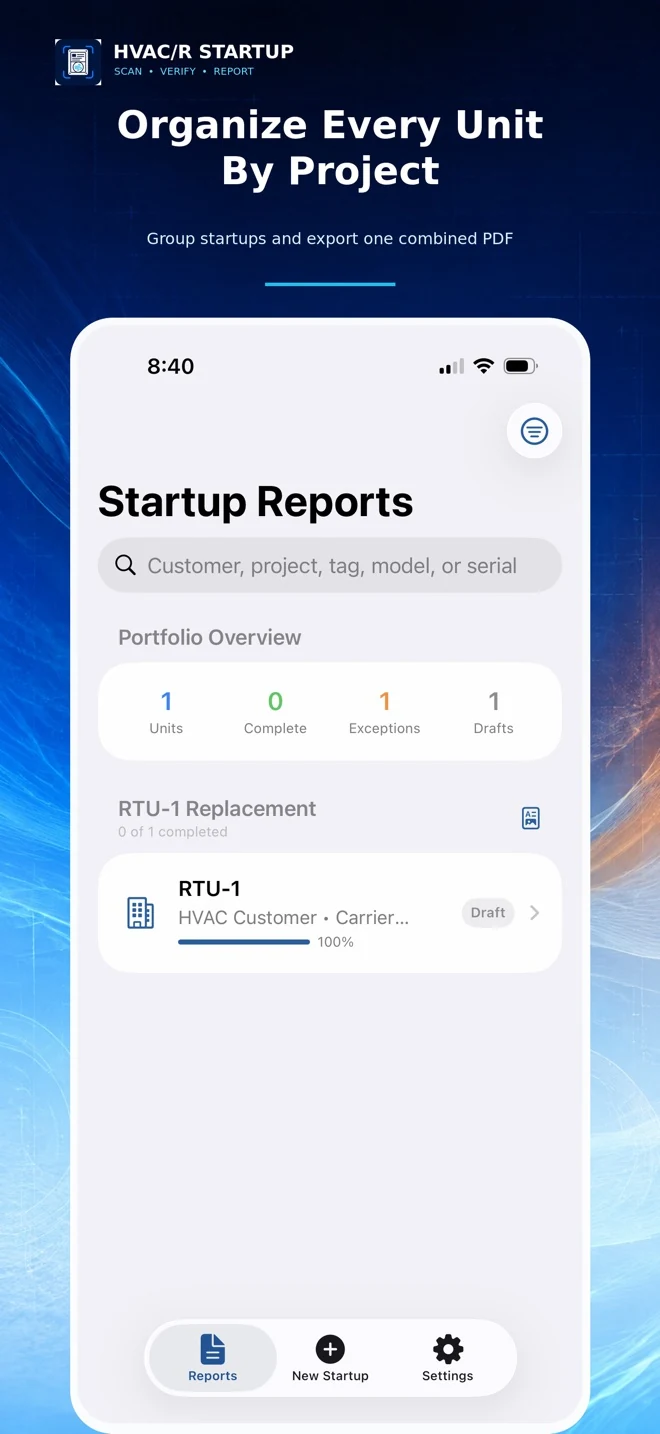
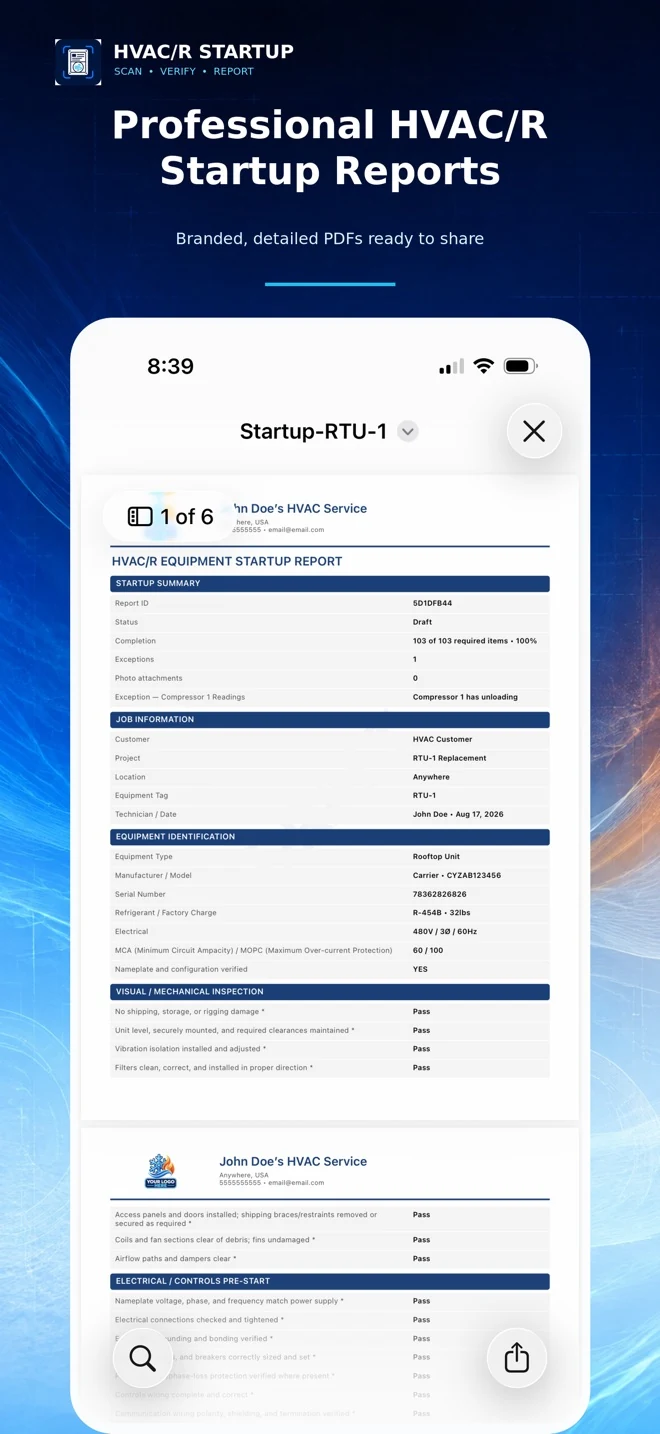
Create company-branded PDFs and group multiple equipment startups into one project report.
From equipment details to finished PDF.
- Create a project and select the equipment type.
- Enter the relevant checks, readings, photos, and notes.
- Review the information and export a report to save, print, or share.
Frequently asked questions
Which equipment can I document?
The app supports multiple commercial HVAC/R categories, including packaged units, heat pumps, split and ductless systems, VRF/VRV, chillers, and refrigeration equipment. Review the available forms in the app for your job.
Does the app inspect or certify equipment?
No. It is a documentation aid for qualified HVAC/R professionals. It does not replace manufacturer procedures, applicable requirements, or professional judgment.
Where are the records stored?
Records, company information, photos, and signatures are stored locally unless you choose to export or share them.
What does Pro include?
Pro provides advanced reporting features, including unlimited startup reports, company-branded PDFs, equipment photos, signatures, and equipment-specific forms. Check current purchase details in the App Store.