HVAC/R startup documentation for qualified professionals
HVAC Startup Checklist helps qualified HVAC and refrigeration professionals document startup and commissioning work on iPhone and iPad. Select the equipment type, record the applicable information, and prepare a PDF report. It is a documentation aid, not an inspection, diagnostic, control, or certification system.
Use equipment-specific forms
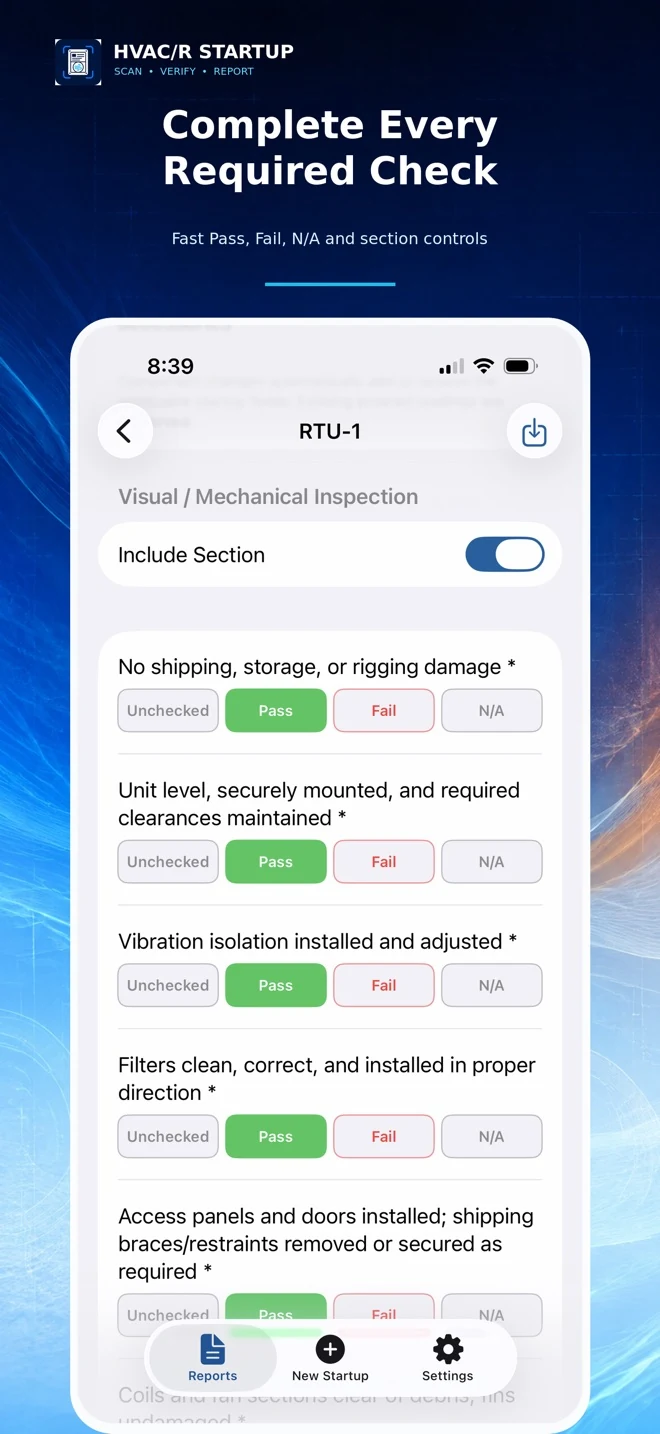
Supported categories include packaged and rooftop units, heat pumps, split and ductless systems, VRF/VRV, makeup air and air-handling units, dehumidifiers, chillers, refrigeration systems, and environmental or stability chambers. Choose the form that fits the equipment, then check it against manufacturer instructions and the approved project requirements.
Keep field details with the report
Record equipment and nameplate details, readings, notes, deficiencies, and recommendations. Supported report fields cover electrical, airflow, refrigerant, heating, and control information. Add equipment or jobsite photos and technician or customer signatures where appropriate. Sections that do not apply can be disabled, and unanswered or N/A items are omitted from exported reports.
Create reusable templates and grouped project reports
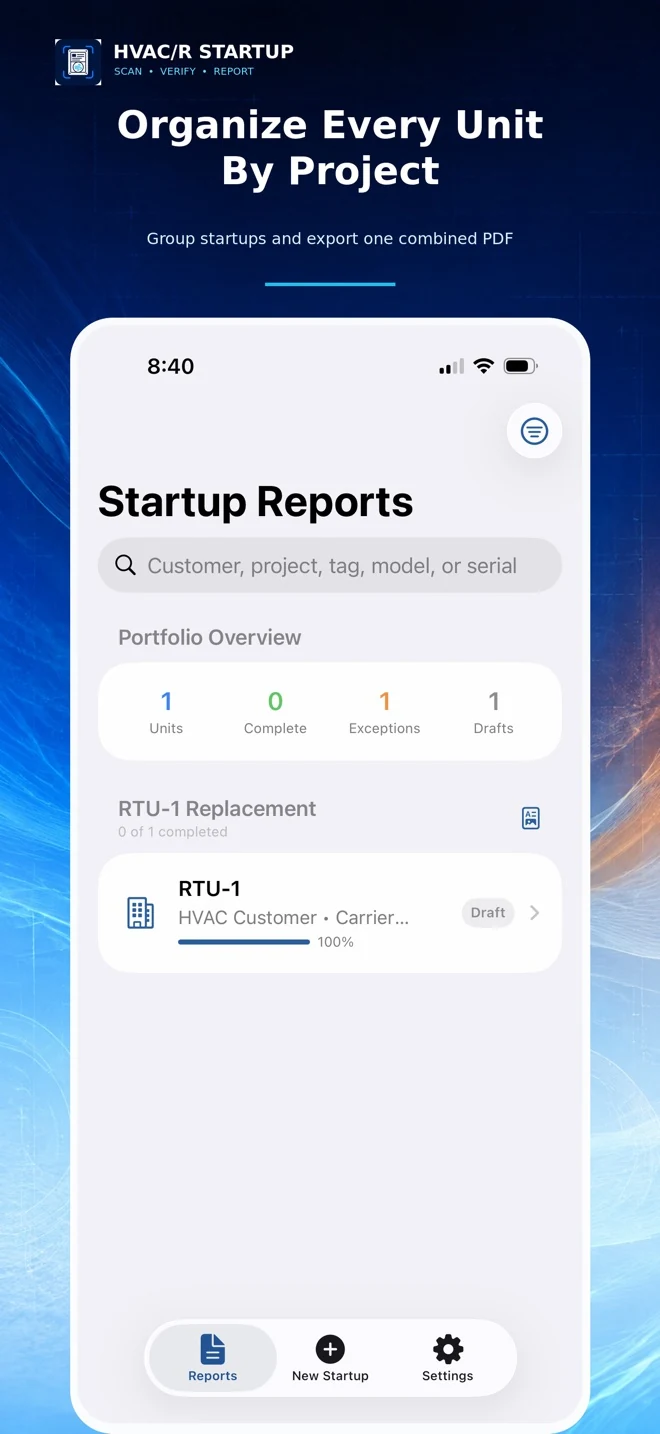
Build templates from prebuilt startup sections for a repeatable documentation workflow. Group multiple equipment startups under one project and export a combined project PDF. Before sharing, confirm that every included equipment record belongs to the correct job and that omissions have not hidden an unfinished check.
Deliver a company-branded PDF
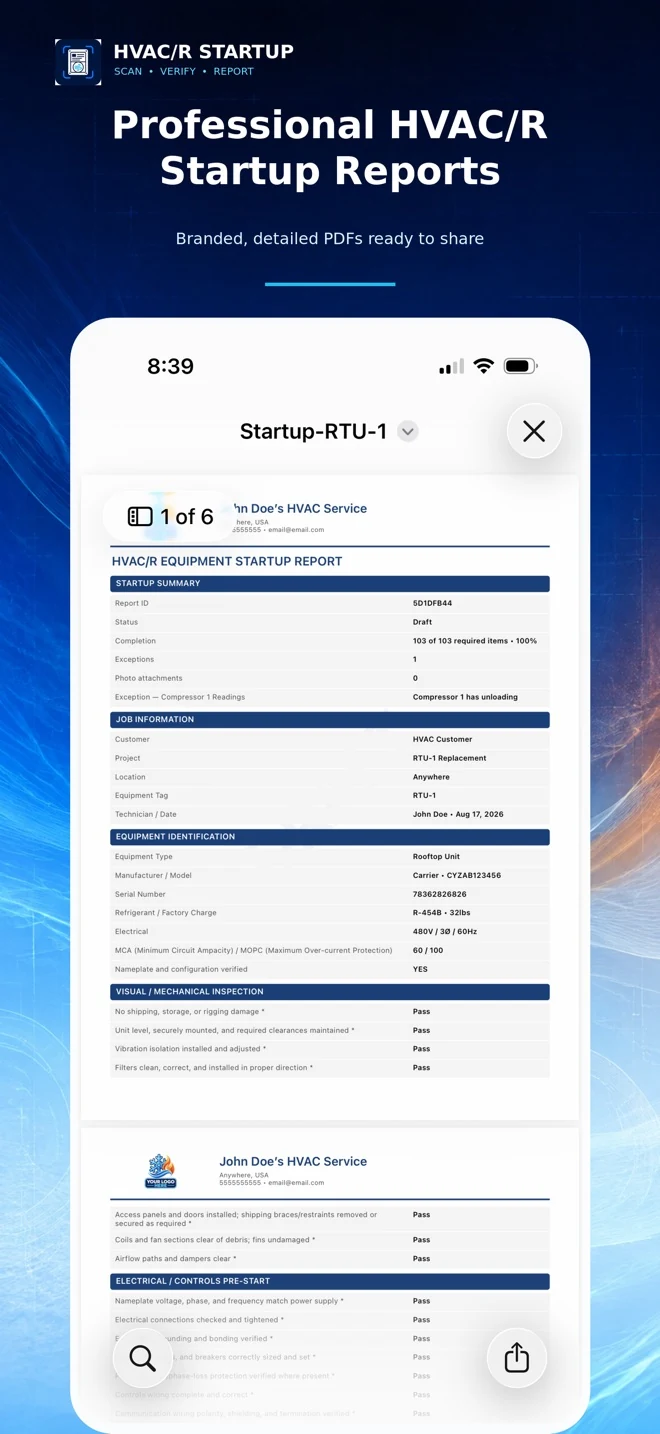
Include company contact information and a logo, then save, print, email, or share the finished report using supported iOS sharing options. Review the exported PDF itself: accurate equipment identity, units, readings, notes, and signatures matter more than a polished layout.
Local records and purchase options
No separate account is required. Startup records, company information, photos, and signatures are stored locally unless you export or share them. Pro provides advanced reporting features, including unlimited startup reports, equipment-specific forms, branded PDFs, photos, and signatures. See the current App Store and in-app purchase screen for availability and terms.
Does the app certify that equipment is safe or compliant?
No. It does not inspect, diagnose, control, or certify equipment. Qualified users must verify entered information and follow manufacturer instructions, approved project documents, applicable requirements, and established safety procedures.
Is this the same as HVAC Service Manager?
No. Startup Checklist focuses on equipment startup records and reporting. HVAC Service Manager focuses on operational tracking such as calls, parts, quotes, contracts, and schedules.
View HVAC Startup Checklist on the App Store. Contact support for app questions, not emergency equipment assistance.
Find suppliers for the next job
Looking for a distributor branch? HVAC Supply Near Me is a separate, free iPhone and iPad app for supplier searches, job stock lists, and HVAC references. Confirm stock and pricing with the branch. Records are not automatically synchronized between these apps.
Service reports and equipment records
For a document covering a service call, explore HVAC Service Report & PDF. To organize equipment by account and location with nameplate data, history, and QR labels, see HVAC Equipment Log. These are separate apps with their own purchase options; do not assume automatic synchronization.