An HVAC equipment database for iPhone and iPad
HVAC Equipment Log helps HVAC/R technicians, contractors, service managers, and facility professionals organize equipment by customer account and location. Keep identification data, component details, photos, notes, and service history connected to each unit. Search the database or use equipment QR labels to return to the record you need.
Organize accounts, locations, and equipment
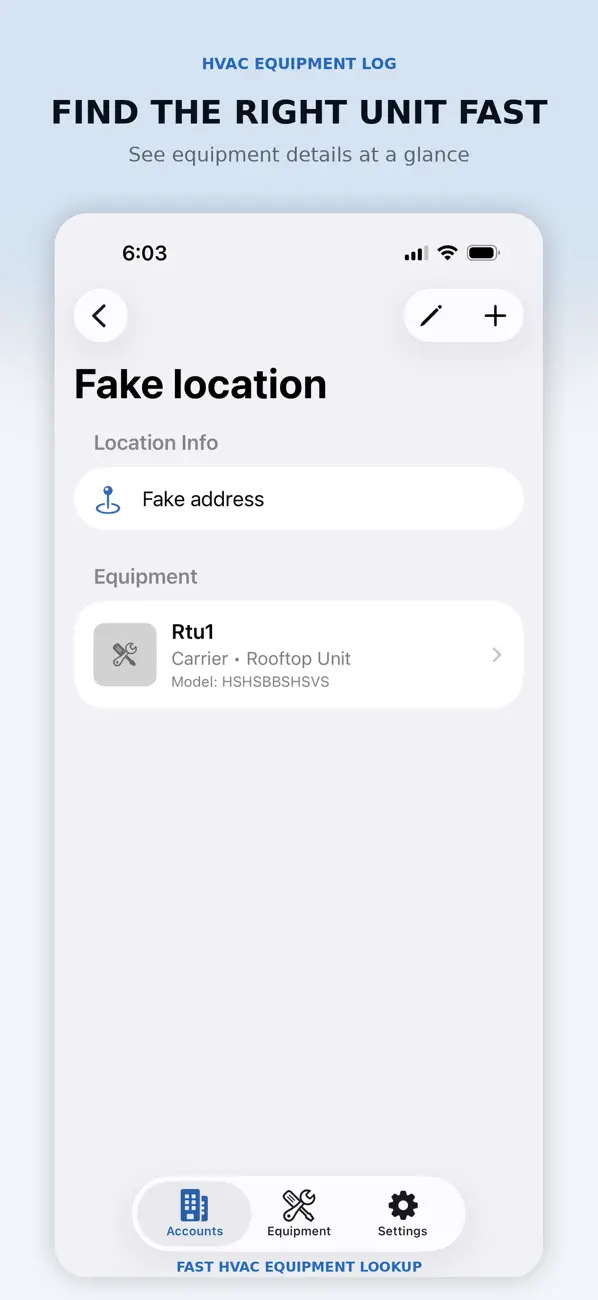
An account can contain multiple locations, and a location can contain multiple equipment records. Build a clear structure for the properties and units you maintain. Record an equipment tag and physical location so similar units can be distinguished before a service visit.
Choose identifiers that remain useful to the people doing the work. A building name, floor, unit tag, and physical location can prevent confusion when several pieces of equipment share the same manufacturer or model.
Keep nameplate data and component information together
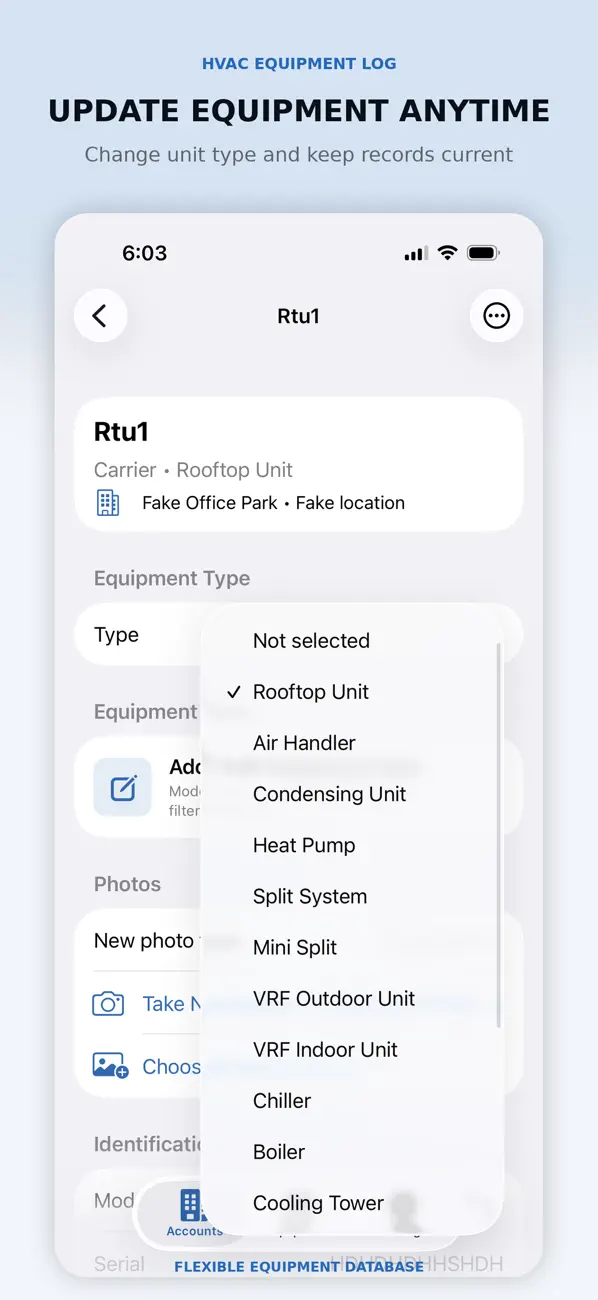
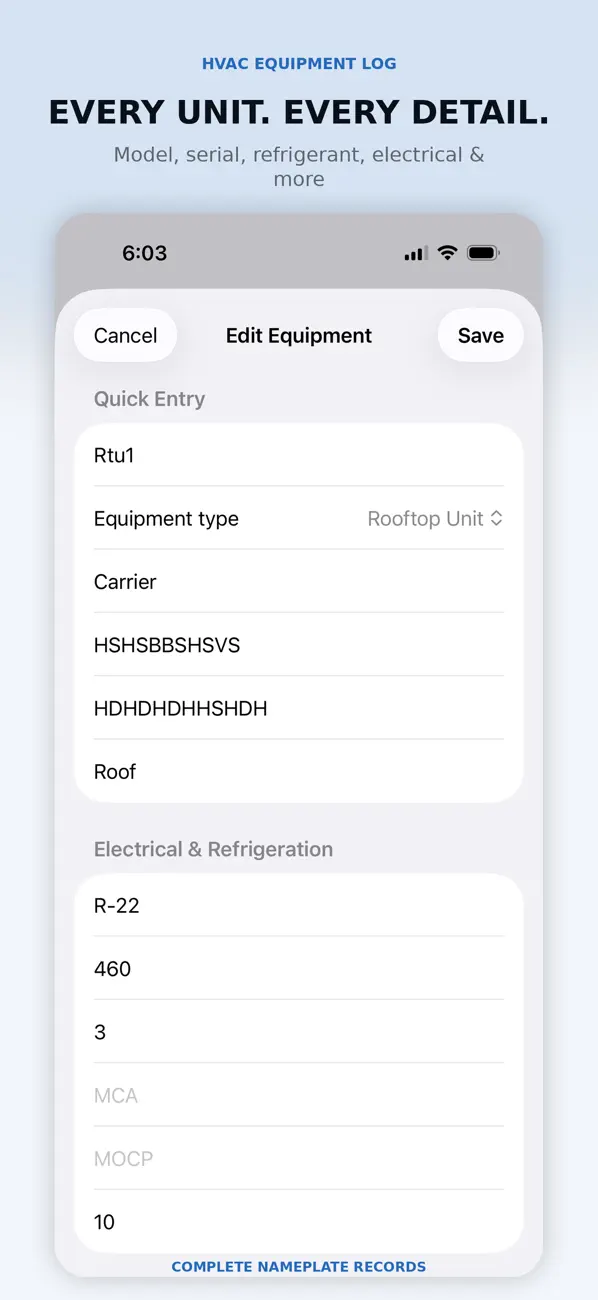
Record manufacturer, model and serial numbers, equipment type, refrigerant, voltage and phase, capacity, filter sizes, belts, compressors, motors, and additional notes. Add equipment and nameplate photos from the camera or photo library. Search your records and return to recently viewed equipment when needed.
Identify units with QR equipment labels
Create a unique QR code for an equipment record and print a label for later identification and lookup. The listing describes common label-printing workflows, including Bluetooth label-printer apps and AirPrint. Confirm compatibility with your specific printer and workflow; support for a workflow does not guarantee every printer model.
Check a printed label against the intended record before attaching it to equipment. Keep the human-readable equipment tag clear as well. A QR label identifies a record; do not assume it creates a public portal or automatically gives another device access to your database.
Maintain history and share useful records
Add history entries to individual units over time. Generate, print, or share equipment and account information when records need to go to the office, coworkers, or customers. Review the recipient and remove unnecessary customer or site details before sharing.
What is included before upgrading?
The app is free to download. The current listing offers one account and up to two equipment records at no charge. Pro provides unlimited accounts, locations, and equipment records. Review the App Store and in-app purchase screen for current availability and terms.
Which HVAC app fits the next task?
Use Equipment Log to organize the units and their recorded history. For a service-call document, see HVAC Service Report & PDF. For calls, parts, quotes, and schedules, see HVAC Service Manager. For equipment startups, explore HVAC Startup Checklist. These are separate apps; exporting a record does not establish automatic synchronization.
Verify records before making equipment decisions
Equipment Log is an organizational and recordkeeping aid. It does not replace manufacturer documentation, engineering specifications, applicable codes, required maintenance records, or professional judgment. Verify equipment data before relying on it for installation, service, repair, maintenance, or safety-related decisions.
Visit HockeyApps support for app help, and review the privacy policy and the terms linked in the App Store listing.