HVAC service reports from the field to the customer
HVAC Service Report & PDF helps technicians and contractors document service calls on iPhone and iPad. Bring customer and job information, equipment details, readings, labor, materials, photos, recommendations, and signatures into one report workflow. Add company information and a logo, then generate and share a branded PDF with the applicable purchase access.
Record what happened on the service call
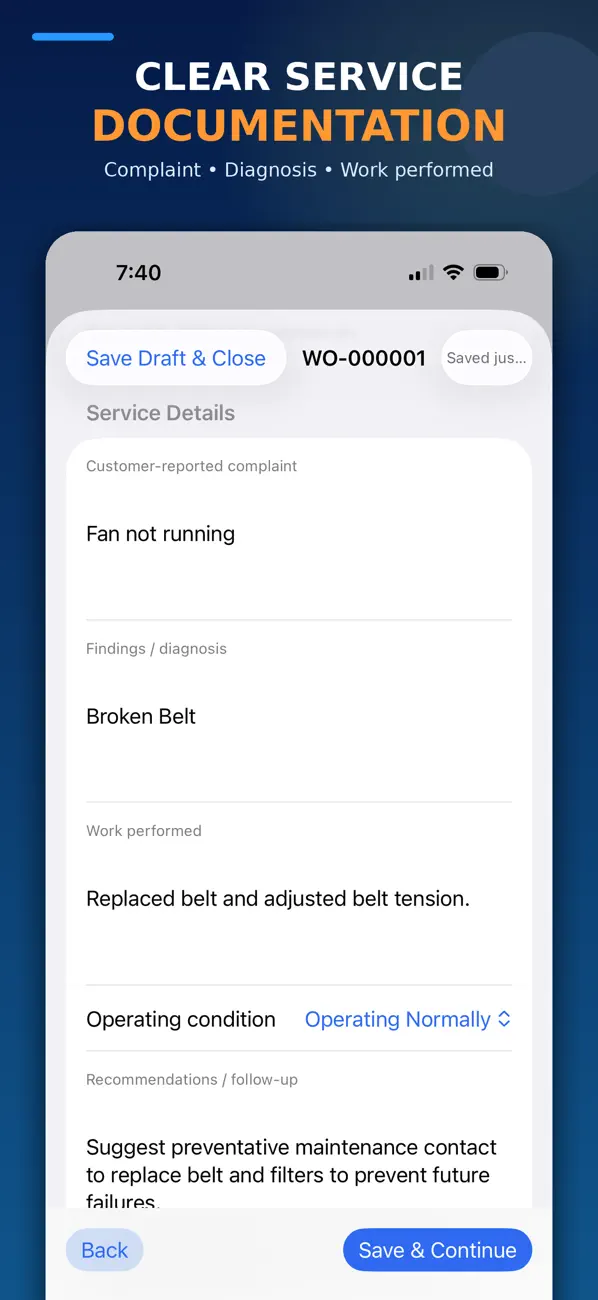
Start with the customer, service address, and work-order details. Document the complaint, technician findings, work performed, and recommended follow-up. A report can include multiple equipment units with their identifying details and equipment-specific or custom readings.
Keep observations separate from conclusions. A useful service record explains what was reported, what was measured, what work was completed, and what still needs attention. Confirm equipment identity and units of measurement before sharing the finished document.
Keep supporting details with the report
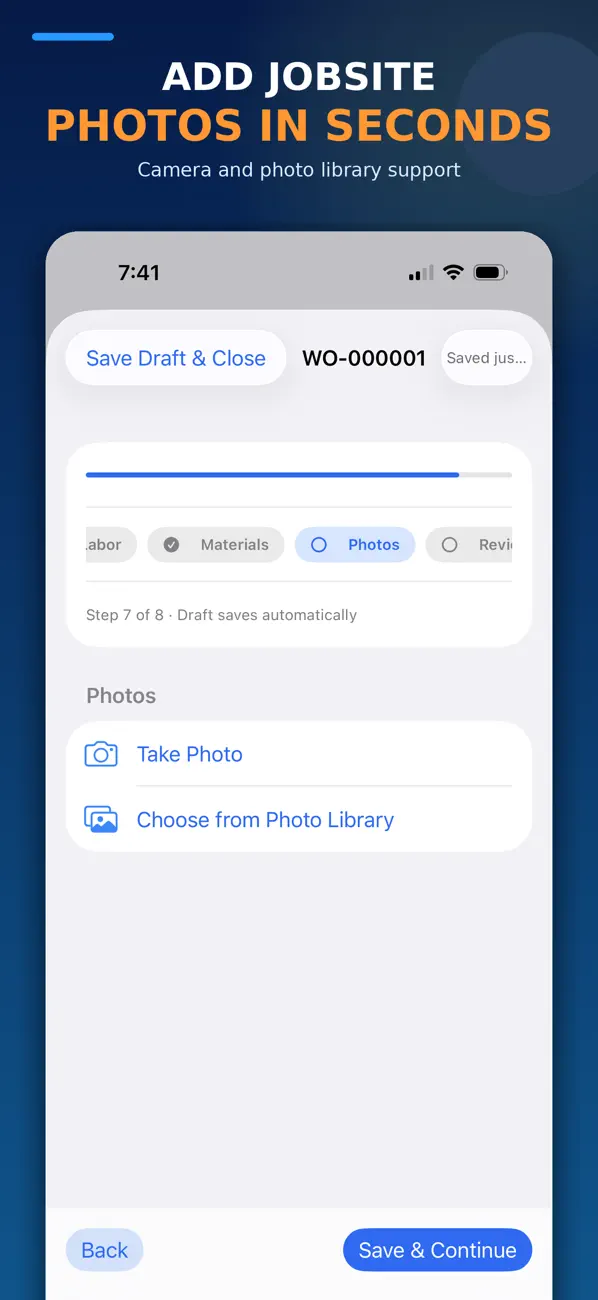
Add technician and helper labor entries, materials, jobsite or equipment photos, and technician or customer signatures. Save a draft while the work is underway and reuse saved customer and equipment information for later visits. Review the included information before generating the customer copy.
Create a branded PDF for the handoff
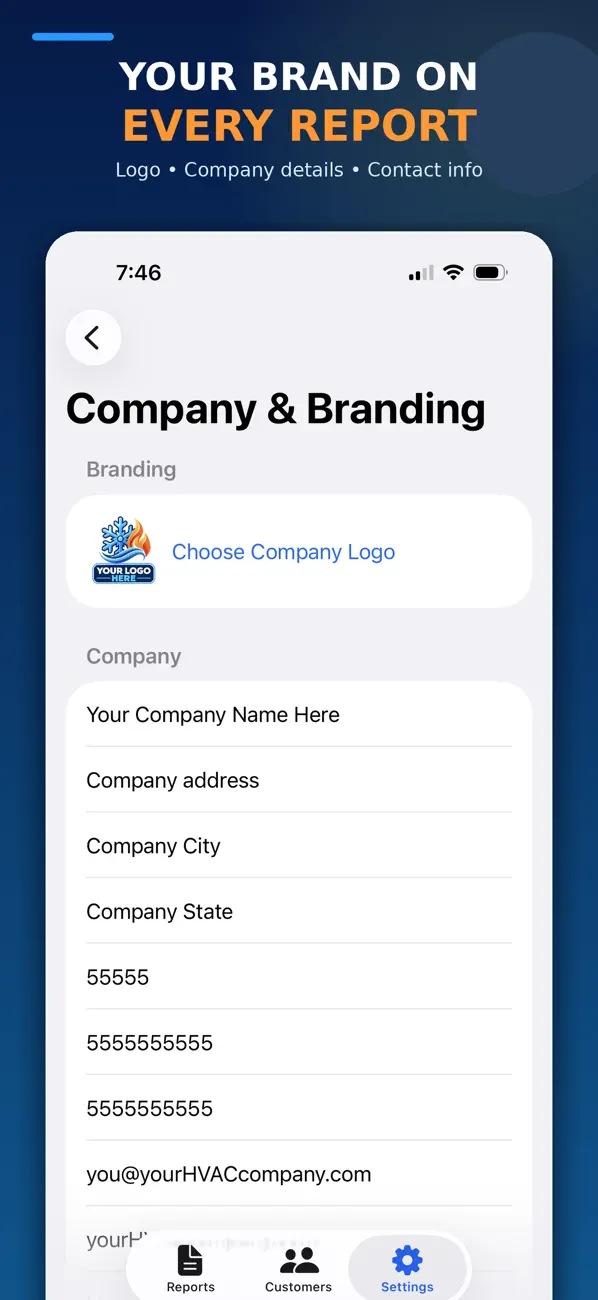
Use your company details and logo to identify the report. Choose the information to include, generate the PDF, and share it using your device’s available options. Check the exported file itself for the correct customer, equipment, readings, attachments, and signatures.
Free reports and Pro access
The app is free to download. The current App Store listing offers up to three reports at no charge and Pro access for unlimited service reports, PDF generation, and sharing. Check the listing and in-app purchase screen for current terms and included features.
How does it compare with the other HVAC apps?
Service Report focuses on documenting an individual service call. HVAC Service Manager organizes operational work such as calls, parts, quotes, and schedules. HVAC Equipment Log organizes equipment information and service history. HVAC Startup Checklist focuses on startup documentation. Each is a separate app; do not assume automatic synchronization between them.
Is a service report an invoice or certification?
No. The app records information supplied by the user. It is not accounting, invoicing, payroll, timekeeping, dispatch, estimating, compliance, or legal software. Labor and material entries do not make a report an invoice or certified record. Users must verify the accuracy, approval, retention, and lawful use of entered information, signatures, calculations, and exported documents.
For app questions, visit HockeyApps support. Review the privacy policy and the terms linked in the App Store listing. For a nearby distributor, explore HVAC Supply Near Me.