Updated October 15, 2026. This guide reflects the current native iPhone and iPad workflow.
Coaching software works best when the pieces have clear jobs. Use one process for preparing games, one for running practices, and one for reviewing what happened. Avoid assuming that every team task must happen inside a single app.
Before game day
Confirm attendance in your team’s chosen communication system. Then prepare the lineup in Hockey Lineup Manager on iPhone or iPad. Check positions, goalies, opponent, and date, and export the reference your assistants need.
Prepare roster labels through the free Scoresheet Stickers tool where your organizer accepts them. That is separate from a league’s registration or eligibility process.
During the game
Agree which assistant handles each bench responsibility. Use the relevant lineup or Cross-Ice Rotation workflow for the game format. Communicate changes directly instead of assuming another device reflects your local edits.
Before the next practice
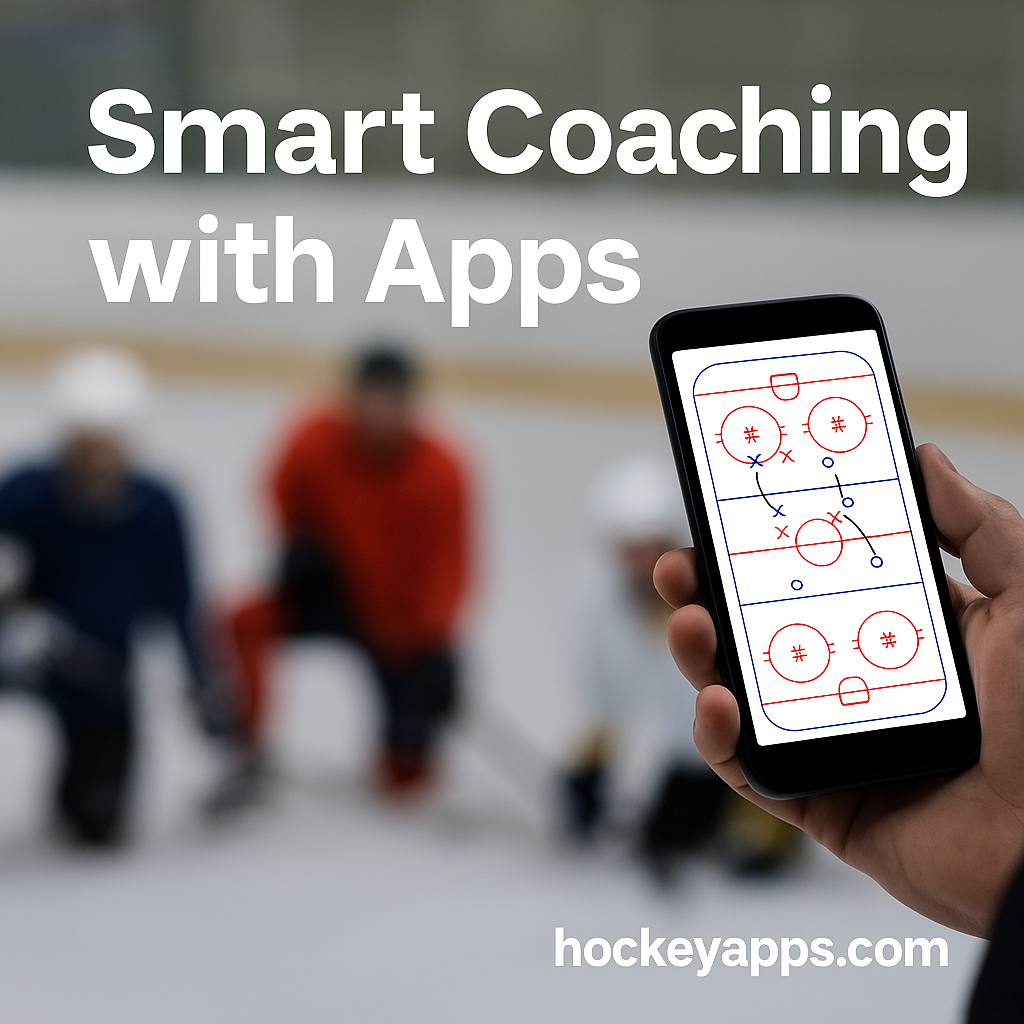
Choose the teaching goals first. In Practice Planner, add suitable drills, durations, and notes. Use My Drills to reuse references and Whiteboard when a simple diagram will explain the setup better than a long video.
Check shared files before the session. Links can need internet access, and sending a plan PDF is not identical to sending all of its underlying video files.
After the game or practice
Review player and goalie information in Season Stats where useful, and keep team records consistent with the game information you can verify. Coaching review should also consider effort, decisions, and development, not just totals.
Understand the boundaries
HLM data is stored locally unless you use the available export or backup options. Do not promise cross-device synchronization or live staff collaboration that is not part of your actual setup.
The current product is a native iPhone and iPad app, not the former browser/PWA tool. Scoresheet Stickers do not require Pro; advanced tools can. Team schedules, availability, and family messaging can remain in the system your program already uses.
Get the current iPhone and iPad app
Hockey Lineup Manager is free to download for iPhone and iPad. Scoresheet Stickers do not require a Pro subscription; advanced coaching tools are offered through Pro. Check the App Store and in-app purchase screen for current pricing and access details.
View Hockey Lineup Manager on the App Store, or explore its coaching tools. This article describes the native iOS app, not the former browser-based workflow.